Voxter Card
Quick Start
Connect once — then just press and understand.
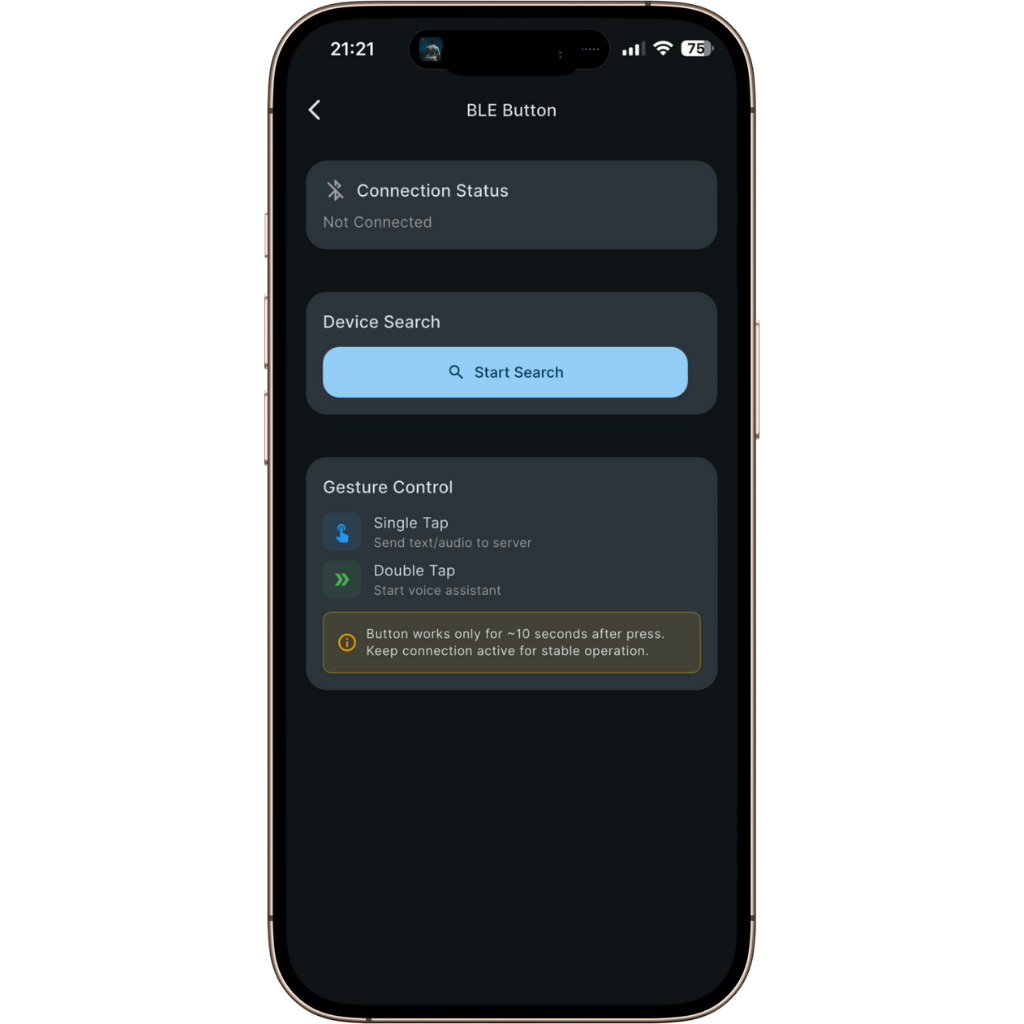
Pairing
Connect your card (one time)
- 1
Open the app → Settings → BLE Button.
- 2
Tap Start Search.
- 3
Press the card button to wake it while searching.
- 4
Select your card → Connect. Next time it will auto-reconnect. If needed, wake the card with one press.
Press. Hear. Understand.
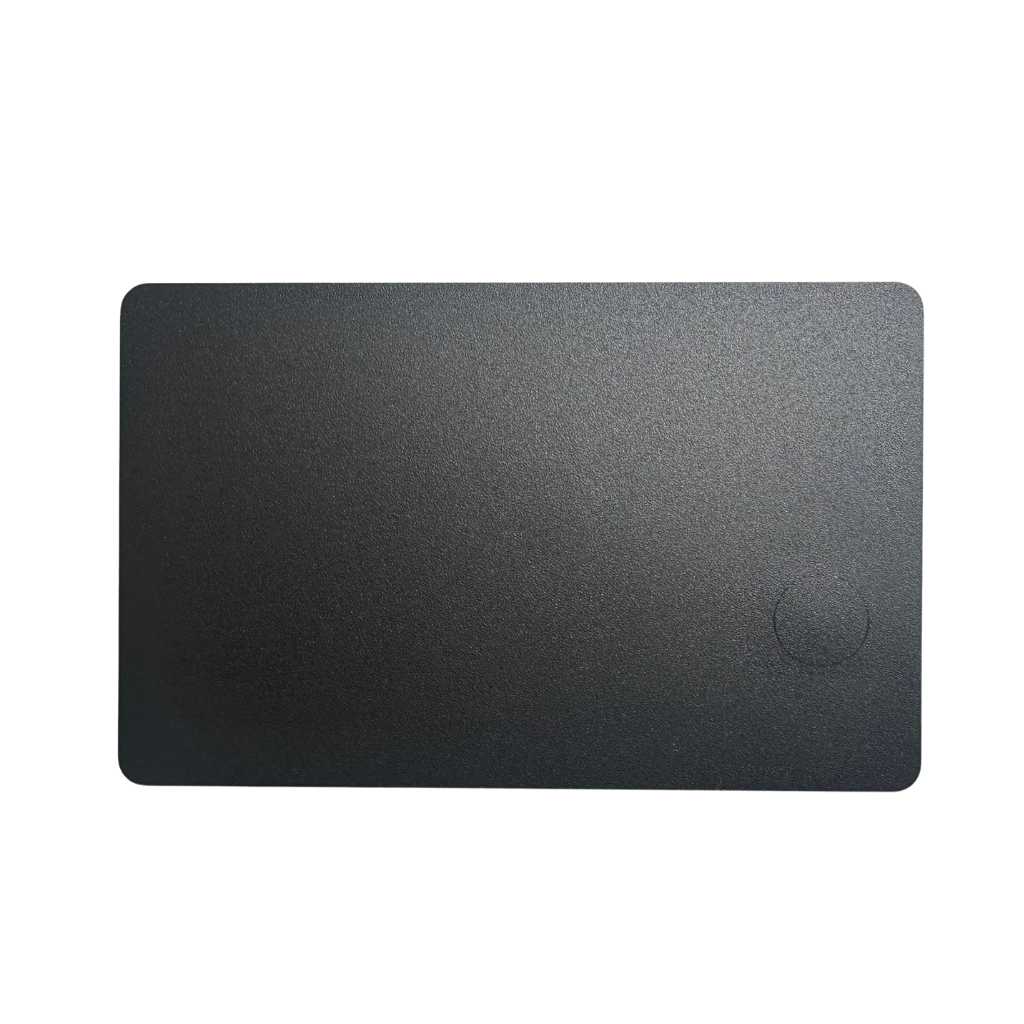
Open the app and start the assistant. Say your phrase. Press the card to hear the translation instantly on your phone.
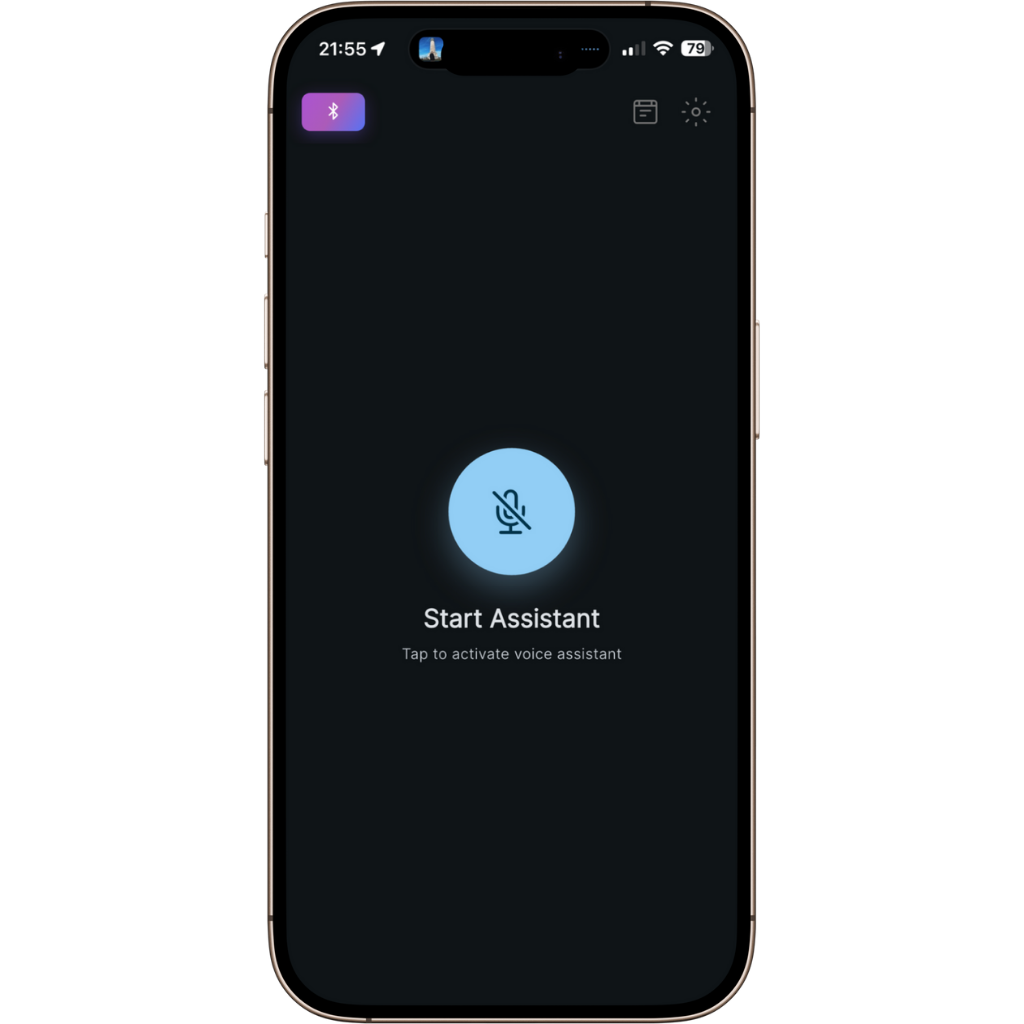
1Open app → Start Assistant
2Speak your phrase
3Single press → Translation • Double tap → Stop
If the card sleeps, wake it with one press.
What it does
Voice → Voice translation
Hear the result out loud after a single press.
On-device privacy
Your voice stays on your phone.
Translate only when needed
Press for the parts you don’t catch.
Transcription
Get the text version of what you hear.
Why the card
One-press control
No need to unlock the phone or look at the screen.
Pairs once
Connect one time. It auto-reconnects next use.
Pocket-friendly
Slim, durable, always with you.